Search

Dylan Ray
05 Feb 2026
You are in the middle of something important and get interrupted by a spam call. You are not the only one facing it. Every Android user receives three to four spam calls daily. Unknown numbers and telemarketers' harassment affect millions of people. Beyond just blocking calls, protecting your overall mobile privacy is essential, which is why many users are now exploring eSIM security features to prevent tracking and hacking.
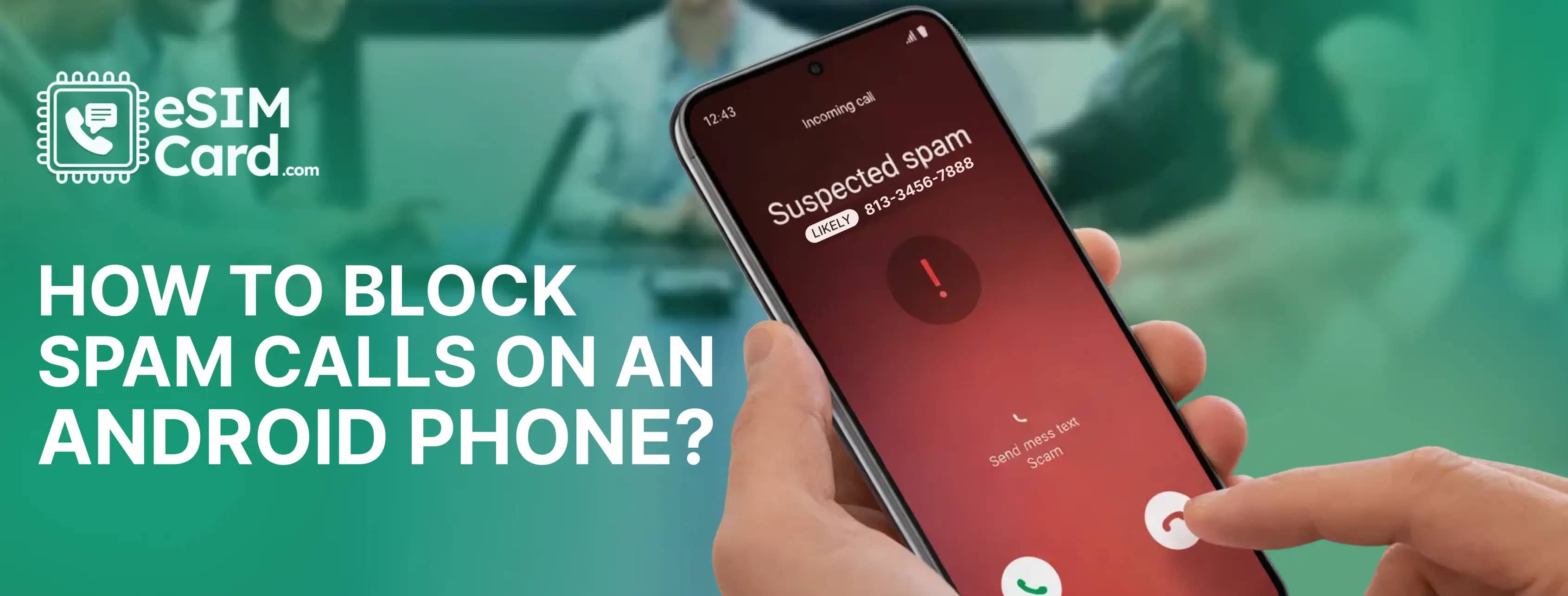
In this situation, the common question in your mind may be why do I get these calls and how to stop the spam calls. Android phones have built-in features to block scammers. In this guide, I will explain the methods to block spam calls on an Android phone to protect your privacy.
4.9

Highly Rated
Based on 500,000+ customer reviews

Trusted worldwide
Over 1 million travelers across the globe have trusted us

Travel Friendly
No swaps, global connectivity ensured
Android users are the primary target of the cyberattacks. The platform has a massive global market with an open source nature and a high volume of users' data. It makes Android users the most favourite target for hackers.
People generally struggle to find the answer to where spam callers get their numbers. Spam callers get numbers using different methods.
If you answer any of the unknown calls, it increases the chances of more spam calls for Android users.
Android has the build-in features to report and stop spam calls. Here are the steps you can go through.
Once you enable the mentioned settings, the suspicious calls will be sent to voicemail, but remain visible in call history.
Note: Remember that these spam call settings work on Android 6 and the latest versions.
You can block and report the individual spam numbers to reduce spam calls.
Firstly, confirm your mobile carrier, such as T-Mobile, AT& T and Verizon and download the carrier's app. It helps you in spam detection and blocks unwanted calls.
Install your carrier app from the Play Store and set up the enhanced spam protection.
Truecaller, Hiya, and Nomorobo are the well-known third-party apps to block unwanted calls. Download the apps from the Play Store and setup in your device. The apps detect the suspected calls and block the number. While these apps help with calls, if you notice your phone behaving slowly after installation, you can follow these tips to free up space on Android phones.
eSIM is the technology embedded into modern devices to provide a flexible internet connection, eliminating the need for a physical SIM card. It is the travel-friendly SIM that ensures users can access a stable connection with physical swapping. It offers online registration that keeps your data private.
You can use the SIM card as a primary line and an eSIM. In a dial SIM device, you can use an eSIM phone number on online platforms to keep your primary number private.
The carrier spam protection is ideal for call filter with eSIM when both eSIM and physical SIM are active simultaneously. To access this feartures, ensure that you are using a reliable eSIM carrier. Many providers offer eSIMs in the market, but not all of them offer the service according to your demand.
eSIMCard is a well-known and trusted provider that offers eSIM data plans for 200+ destinations. The carrier stands out for its customer-centred services. eSIMCard offers data only, and the voice, text and data plans with enhanced data security.
You can buy the eSIM online to set up in your Android. The carrier sends the activation and the QR code to active the eSIM in your device. You can set up the eSIM in your device in a few minutes after scanning the code.
Every Android user receives spam calls on a daily bases which leads to disturbance during essential tasks. You can report and stop spam calling using your smartphone inbuilt features. In the article, I have mentioned the five methods that can help to you block scammers calling.
You can use the third-party apps, activate carrier spam protection, use call screening, block and report the individual spam numbers. Ensure to read all methods and use three to four methods to minimise spam calling.
You can add your number to don’t call registry or use the third party apps to detect spam calls. Similarly, avoid responding to unknown messages and clicking the links.
You can use Android’s free built-in spam protection features. Open your device's phone app and tap the settings. Now turn on the Caller ID & Spam protection and Filter spam calls.
In samsung enable the caller ID and spam protection from the phone app to block the unwanted calls.
4.9

Highly Rated
Based on 500,000+ customer reviews

Trusted worldwide
Over 1 million travelers across the globe have trusted us

Travel Friendly
No swaps, global connectivity ensured
With eSIM Card, you can save 100% on roaming fees