
Dylan Ray
16 Apr 2026
Does Pixel 8 Have eSIM? A Complete Help Guide!
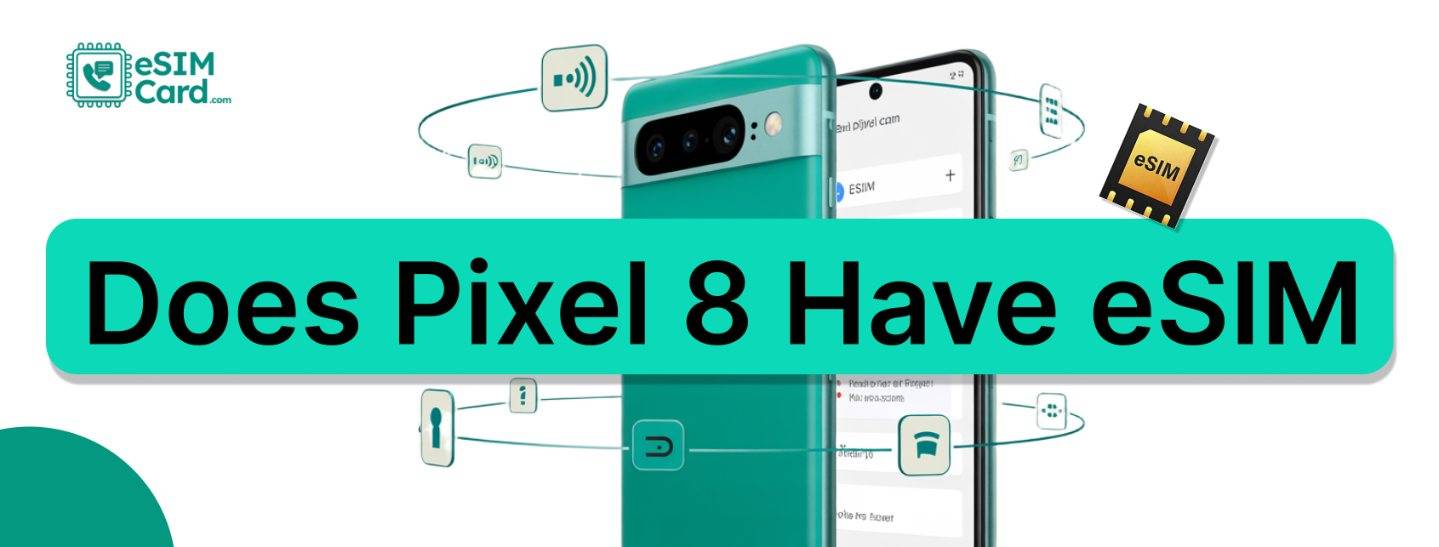
When Google entered the smartphone business, its main goal was to never disappoint its users. It launched its smartphone series, the Google Pixel, and grabbed market attention. The Google Pixel 8 is an outstanding phone with trendy features, but its most attractive feature is that it's eSIM-supported.
So, does the Pixel 8 have eSIM compatibility? The answer is yes. In this help guide, you will learn how to confirm eSIM compatibility, activate it, and troubleshoot common issues with your Google Pixel 8 smartphone.
4.9

Highly Rated
Based on 500,000+ customer reviews

Trusted worldwide
Over 1 million travelers across the globe have trusted us

Travel Friendly
No swaps, global connectivity ensured
Does Google Pixel 8 Support eSIM?
Yes, Pixel 8 supports eSIM, and physical SIM technology comes with dual-SIM functionality. As you know, eSIM functions according to carrier policies and regions. If you are thinking of using eSIM with Pixel 8, ask your carrier's customer service about any functionality restrictions.
How to Activate an eSIM on Pixel 8?
There is no tech expertise required to activate an eSIM on Pixel 8. It’s a simple process that anyone can do. Let me guide you through the process:
Check Your Carrier Compatibility
First, you need to make sure that the carrier you choose for eSIM services supports Google Pixel devices.
Receive Activation Code
Now that you know the carrier supports your Pixel 8, you need to receive an activation code from them. They will send a QR code to your email or through their mobile app. You can scan the QR code or manually enter the details.
Set Up eSIM on Pixel 8
- Tap Settings on your mobile device
- Select Network & Internet
- Tap SIMs
- Click Add SIM
- Select Download SIM instead.
- Scan the received QR code or enter details manually
- Follow the instructions prompted on your screen
How to Troubleshoot Common eSIM Issues?
Most of the time, things went smoothly, but if you face any issues while activating eSIM on Pixel 8, the following are some troubleshooting solutions:
Unable to Activate eSIM
The issue occurs when the QR Code expires or when manually entered details have a mistake. A quick restart for rescanning or re-entering manual details could solve this issue.
eSIM not working after Setup
This may be possible if you don’t have a stable or strong internet connection. If you are still unable to activate it, contact your carrier to confirm the status of your eSIM.
Missing eSIM Option in Mobile Settings
If you don’t have an updated version of mobile software, this issue may arise. You have to update to the latest version. You may also have this issue if your carrier does not support eSIM for the Pixel 8 in your region.
FAQs
Can I use both eSIM and a physical SIM on my Pixel 8 simultaneously?
Yes, Pixel 8 comes with dual-SIM functionality. You can use one eSIM and one physical SIM simultaneously.
How do I know that my carrier supports eSIM for the Pixel 8?
For this you need to visit the carrier websites and see the compatible device list, or you can download their app for confirmation, like the eSIM Card device compatibility list.