Search

Emma Sky
19 Jan 2026
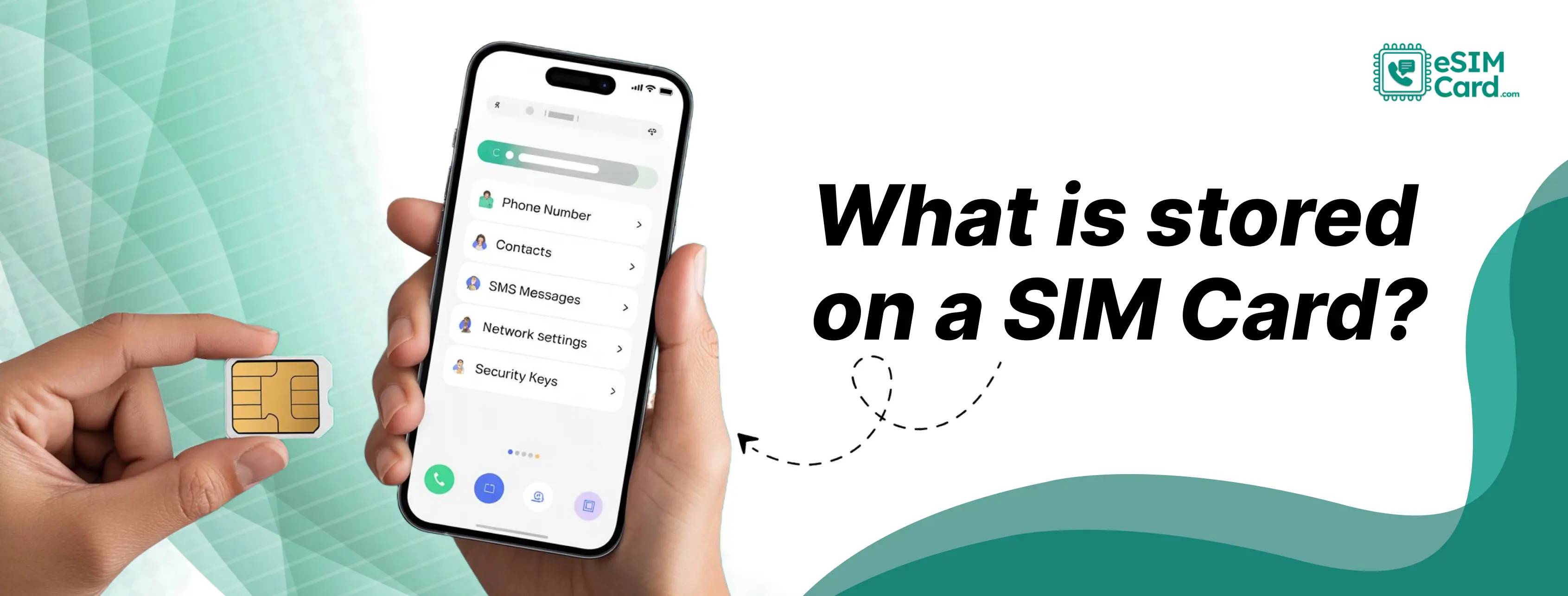
A SIM card stores only small identity data like your IMSI, authentication details, network settings, and sometimes a few basic contacts or text messages. It does not store photos, apps, or personal files. Everything important stays on your phone or cloud, not the SIM.
4.9

Highly Rated
Based on 500,000+ customer reviews

Trusted worldwide
Over 1 million travelers across the globe have trusted us

Travel Friendly
No swaps, global connectivity ensured
A SIM’s job is simple: identify and unlock the network so you can place phone calls, use data, and access mobile services tied to your plan. It proves you are an active subscriber and allows your device to attach to the right carrier. With eSIM, this same role moves into a secure digital virtual profile, giving you the same function without a physical SIM card.
A SIM carries a small but important set of identity fields that keep your line active and secure. These items don’t feel visible to you, but the network relies on them every time your device connects. The following identity information is saved on your SIM:
Your international mobile subscriber identity (IMSI) is a long number that links your account to your carrier. It tells the network whose line is trying to connect and which operator owns it.
The mobile country code helps the network understand your home region. It guides how your device registers when you travel or roam abroad.
The local area identity shows which area your device is trying to join. It helps the radio towers route your connection and keep handovers smooth as you move.
The authentication key is the secret value your SIM uses to prove you are the real subscriber. It prevents cloned access and ensures your plan cannot be used by someone else.
These identity fields shape roaming, billing, and SIM swaps. When you switch to an eSIM via eSIMCard, these same fields move into a secure digital profile, letting you travel without handling any plastic.
A SIM holds only a small amount of user data. Its memory is tiny, so what it can save is limited. In most cases, it can keep:
These limits exist because SIM storage capacities were never meant to handle large personal files. The card’s main job is identity and network security, not data storage. That’s why contacts or small entries may fail to transfer when switching phones.
Quick tip: Always export contacts to your phone or cloud before removing a SIM. It prevents losing the few items the card may still hold.
There’s a common belief that SIM cards hold all your personal content, but that’s not how they work. The following data is not stores on SIM cards:
While SIM cards store identity data, the amount is extremely small. This is why moving a SIM to a new phone does not move your gallery or apps. They aren’t connected to the SIM’s limited memory.
A SIM acts as a subscriber identity module, and carriers rely on it to confirm that you are the correct user. The process works like this:
Inside your phone, the SIM is an integrated circuit card, built to protect these secrets from tampering. That’s why SIM-swap or cloning attempts matter so much. The attackers try to misuse the identity tied to your account.
With eSIMCard, the same authentication steps happen digitally, without dealing with plastic cards or physical swaps. You are safe from any SIM card fraud.
eSIM works like a SIM but is not physically present. The data it holds is almost the same, but the way you manage it is far easier. The following things remain the same with eSIM:
This gives you the same security, but far more flexibility, especially when you need fast activation abroad. To learn how eSIM itself works compared to physical SIM, you can also read our what is an eSIM card guide.
Removing a SIM card doesn’t delete anything from your phone. Your photos, apps, chats, and files remain untouched. The only things that change are your network access, your phone number for calls/SMS, and any tiny contacts or old SMS that were saved on the SIM.
This is why most modern phones push users to cloud backup. With eSIMCard, you avoid card removal entirely. You can switch plans without touching the device via the eSIMCard App or through mobile settings.
SIM data plays a quiet but critical role in protecting your mobile identity. The network trusts the SIM because it carries your secret keys. That security design prevents strangers from impersonating you.
The following are the reasons why security is a major concern:
Security is the main concern, especially for travellers. An eSIMCard profile keeps your number safer and reduces the risk of a physical SIM being taken or swapped.
Look at the list below before you remove a SIM or activate a new eSIMCard plan:
Switching to eSIMCard removes the hassle of physical swapping. You can install a new profile, keep the old one as a backup, and move between plans without touching a tray or risking data loss. Your personal dashboard can be controlled all via the eSIMCard App.
A SIM card stores only network identity and security keys that follow GSMA’s global standards. Everything personal, like your photos, apps, chats, and files, lives on your device or cloud accounts, not the SIM. That’s why eSIM makes sense today: same security, far more flexibility with zero hardware to lose.
This is why many people now prefer eSIM. It works the same way for the network but removes the hassle of handling a tiny physical card. With eSIMCard eSIM, you can add a plan in minutes and stay connected wherever you travel.
If you want a cleaner, safer way to manage your mobile service, eSIM is the easier choice.
No. Removing a SIM only stops network service. Your photos, apps, chats, and files stay on the phone.
A SIM stores your IMSI, authentication key, network settings, your number, and sometimes small contacts or old SMS.
No. Photos are saved in your phone’s storage or cloud, never on the SIM.
No. It only removes network access. Device data stays untouched.
No device data is lost. Only small SIM-based contacts or SMS might change.
Your number moves to the new phone, but photos, apps, and settings stay on the original device.
4.9

Highly Rated
Based on 500,000+ customer reviews

Trusted worldwide
Over 1 million travelers across the globe have trusted us

Travel Friendly
No swaps, global connectivity ensured
With eSIM Card, you can save 100% on roaming fees