
Leo Grant
15 Apr 2026
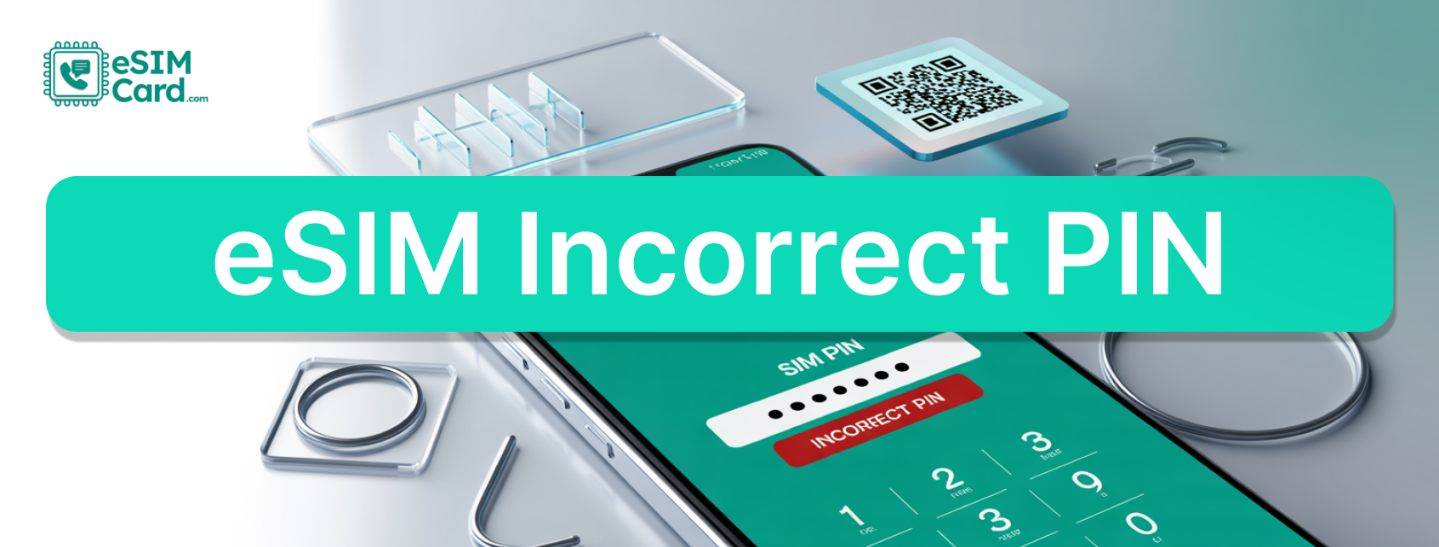
eSIM Incorrect PIN: A Troubleshooting Guide
Technology has made us so impatient that if we lose connectivity for a long time, we get frustrated. The same is true when you encounter the eSIM incorrect PIN error. This troubleshooting guide will help you eliminate this unnecessary stress and enjoy uninterruptable connectivity with eSIM.
4.9

Highly Rated
Based on 500,000+ customer reviews

Trusted worldwide
Over 1 million travelers across the globe have trusted us

Travel Friendly
No swaps, global connectivity ensured
What are the Common Causes of eSIM Incorrect PIN Error?
If you are looking to resolve this error, you need to understand the root causes. The following are the common causes of eSIM incorrect PIN errors:
Wrong PIN Entry
You can only make a limited number of attempts to enter the PIN. If you make multiple attempts, you may encounter this error.
Default or Outdated PIN
PINs are only valid for a short time. If you use an outdated PIN or a preset PIN, it is not valid, and you will see an incorrect PIN error.
Carrier Miscommunication
It's not a common one, but the carrier may have distributed PINs incorrectly or implemented an update.
How to Troubleshoot eSIM Incorrect PIN Error?
You need to perform the following steps to troubleshoot errors:
Verify the Correct PIN
First, double-check the initial setup details provided by your carrier. They usually send this critical code via email or text message right after your purchase. If you are currently struggling to receive an SMS on your eSIM, try checking your email spam folder or logging into your carrier's app dashboard instead.
Always ensure you are entering the exact PIN they originally shared. If you are still unsure, you can check the eSIM settings, where you will find the PIN details.
Reset the PIN
You can reset the PIN by tapping Settings> SIMs> Reset eSIM PIN. If your phone doesn't allow this reset, immediately contact your carrier for a PIN reset.
Use the PUK Code
If you enter the wrong PIN multiple times, your eSIM will likely be locked. After that, you will have the option of entering a PUK Code (Personal Unlocking Key). Enter the PUK Code and reset the PIN.
Reinstall the eSIM Profile
If nothing works, you need to delete the problematic eSIM profile and reinstall it again, but you need to confirm it from your carrier first. Before you hit that delete button, you absolutely must confirm the policy with your carrier.
A major question panicking users often ask is, can my eSIM QR code be reused? In the vast majority of cases, the answer is no. You will likely need their support team to issue a completely fresh QR code to get your profile back online safely.
When to Contact Support?
If you are not able to troubleshoot your eSIM incorrect PIN error, then it is time to contact your carrier support representative. To save time, you need to have the following information with you when you call support:
- eSIM ID (Check Phone settings)
- Screenshot of the error message
- PUK Code, if demanded by the support representative
How to Prevent Future Issues?
Being locked out of your digital SIM during an important trip is incredibly frustrating, but it is entirely preventable. In fact, ignoring basic PIN and PUK security is actually one of the top 5 mistakes to avoid when buying an eSIM.
To keep your connection completely secure and avoid these unnecessary headaches in the future, just follow these simple habits:
- You need to secure your PIN. Try to set an easy-to-remember PIN.
- Save your PIN and PUK code details in your contacts or your Google Drive.
- Try to update your PIN timely to ensure security.
FAQs
How many attempts do I have before the eSIM is locked?
Your eSIM will be locked after 3 to 5 attempts. After that, you will need a PUK code to unlock it.
What should I do If I lose my PUK code?
If you forget your PUK code, you can contact your carrier's support team to retrieve it or reset it.
Can I set a custom PIN for my eSIM?
It depends on your device. Most devices allow you to set your eSIM PIN from device settings.