
Leo Grant
23 Apr 2026
How to Fix Cellular Data on iPhone: 8 Quick Fixes to Stay Connected!
The most frustrating thing is when you are using your iPhone for an important job, and suddenly, your cellular data stops working. Whether you are trying to send an urgent email, use GPS navigation, or wondering is iMessage free internationally while traveling, a disconnected phone is a massive headache. You might be dealing with a poor signal, network coverage bugs, or a maxed-out data limit that stops everything in its tracks.
Here comes the question: How to fix cellular data on iPhone? Let me guide you through 8 fixes for cellular data not working and get your internet up and running.
4.9

Highly Rated
Based on 500,000+ customer reviews

Trusted worldwide
Over 1 million travelers across the globe have trusted us

Travel Friendly
No swaps, global connectivity ensured
Restart Your iPhone
If your iPhone's cellular data is not working, the first troubleshooting solution you can perform is to restart your device. Doing this will refresh your network connection and fix glitches.
How to Restart an iPhone?
- For iPhone X and newer models (like 11, 12, 13, 14, and 15), press and hold the Side button and either Volume button until the power off slider appears.
- For iPhone 8 and earlier models, simply press and hold the Side (or Top) button until the power off slider appears..
- You have to slide the power button to switch it off, wait for 30 seconds, and then long-press it to switch it on.
Turn Off Wifi to Use Cellular Data
The device's original priority is a Wi-Fi connection, and your iPhone is likely connected to a weak or non-functional Wi-Fi. Turn off Wi-Fi to use cellular data.
How do you turn off Wifi?
- Tap Settings> Wifi> toggle it off.
- Tap Control Center> Tap the Wi-Fi option to turn it off.
Check Your Network and Carrier Settings
Your network and carrier settings may be incorrect or may not be updated automatically.
- Tap Settings> General> About
- If an update is available, install it.
Make sure data roaming is enabled when travelling using an international eSIM.
Reset Network Settings
The iPhone network is still not responding. Try to reset iPhone network settings for data issues. This will solve the connectivity errors.
How to Reset?
- Tap Settings> General> Transfer or Reset iPhone.
- Tap Reset> Reset Network Settings.
- Give ID to reset.
When resetting the network settings, you will lose saved Wifi network information.
Check Mobile Data Limit Before Travel
You know that there is a mobile data limit, and if you exceed it, your data will not work.
How do you check data usage?
- Tap Settings> Cellular> Cellular Data Usage
- The limit is shown; if you exceed it, try unlimited data plans.
Enable Data Roaming for International Travel
Check whether data roaming is enabled if your iPhone cellular data is not working abroad. This is especially important if you are using an eSIM.
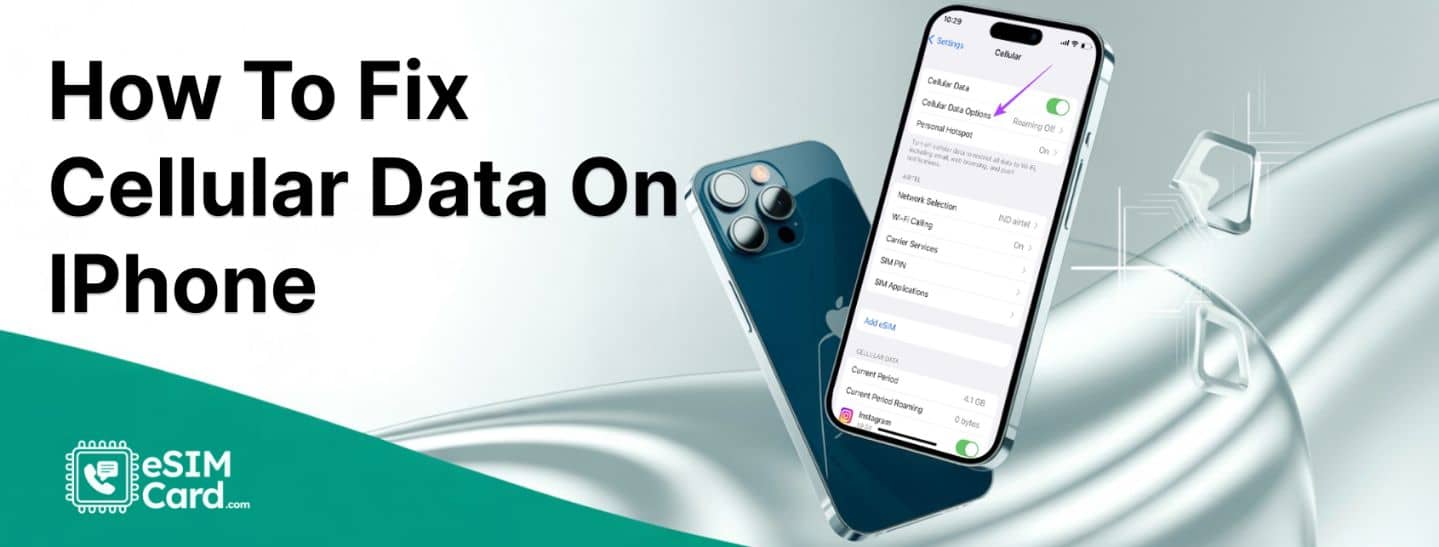
- Tap Settings> Cellular> Cellular Data Options> Data roaming> Turn on.
- Check Carrier details for international roaming plans.
Check for Software Updates on iPhone
An updated device runs smoothly. Outdated iPhone software updates lead to connectivity issues.
How to Update?
- Tap Settings> General> Software Updates
- Install updates
Contact Your Carrier for Data Issues
If your iPhone data is still not working after all these steps, it is time to contact your carrier's customer support. You might be caught in a local network outage, facing billing issues, or dealing with a corrupted digital profile. If they need to issue a new QR code or replace your line, you can easily transfer the eSIM from one phone to another or do a fresh installation to get your internet back up and running.
How to contact?
- Open Carrier’s Website
- Look for customer service options.
- Most sites have coverage maps. Check them for any service outage indications.
FAQs
Why is my iPhone's cellular data not working?
You may have network coverage problems, exceed your mobile data limit, or have incorrect carrier settings.
How can I check if my data plan is active?
You can tap Settings> Cellular> Celular Data usage. The data limit status is shown as exceeded. Contact your carrier for unlimited data plans.