Search

Noah Reed
28 Jan 2026
Spam calls are frustrating when they interrupt work, family time or come through the chorus of a favourite song. We generally receive 2 to 3 spam calls on a daily basis.
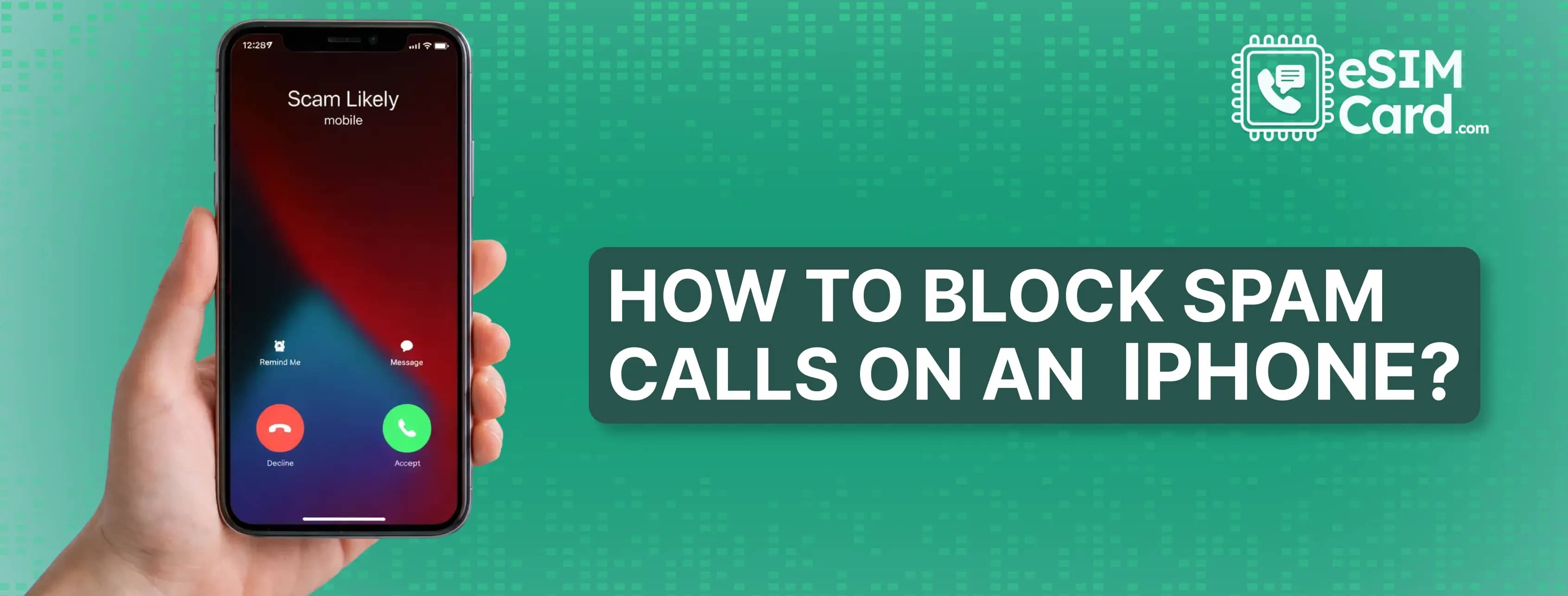
You can block spam calls on an iPhone, enabling silence on unknown callers, using carrier-level spam protection, or the third party call blocking apps. Most of the spam calls are deceptive or even dangerous to your information.
It's essential to have some strategies to safeguard. In this article, I will discuss why you get spam calls and the methods to block spam calls on your iPhone.
4.9

Highly Rated
Based on 500,000+ customer reviews

Trusted worldwide
Over 1 million travelers across the globe have trusted us

Travel Friendly
No swaps, global connectivity ensured
Scammers get your number from data breaches, social media accounts or public records. Moreover, some data brokers sell the list of data, and scammers use automated dialers to call millions of people. If you answer the call, it confirms your number activation, and you become the primary target.
To avoid such calls, ensure not to answer the unauthorised or unknown contacts.
Here are the steps you can follow to enable the unknown caller features on your iPhone.
This method works effectively when the same scammer is calling repeatedly, or in cases of personal harassment. While blocking contacts is a great first step, you should also take control of your overall device security. For instance, knowing how to disable app tracking on Android or iPhone ensures that apps aren't leaking your personal info to data brokers in the first place.
Note: Spammers use the number spoofing technology using different numbers. In such a situation, this method alone will not work.
Your mobile service provider can also help you to stop the spam calls. For this ensure to identify your mobile service provider like AT&T and T-Mobile.
After setting the spam filter, the carrier analyzes call patterns at the network level and blocks suspicious numbers before your mobile phone rings.
It seems interesting that the digital eSIM technology contribute protect you from spamming. Before going through the details, here is an introduction to the eSIM card.
An eSIM is a digital chip integrated into the latest compatible devices that eliminates the need for a physical SIM. It is the travel-friendly technology that works to provide a flexible internet connection without international data roaming charges.
It works in a dual-SIM iPhone with an eSIM and a SIM card.
Many providers offer eSIM for international coverage, but I generally recommend the travellers, student and tech users an eSIM Card. The carrier stands out for its verified variety of data, voice and text eSIMs and the strict security measures.
eSIM Card is the perfect choice for individuals and businesses to access a secure cellular data connection. eSIM in your phone offers multiple security checks to avoid unauthorised or scammer access to your information.
Similarly, if you are worried about the eSIM prices, purchasing process, and setup, take it easy because the carrier guide you completely. You can buy the eSIM online from the official eSIMCard website or download the app for your iPhone.
The provider offers eSIM plans for 200+ destinations. You can buy your country's travel eSIM. Then the carrier will send you a QR code and activation code to set it up on your device.
You can use the third party apps to block spam calls on iPhone. The well-known apps include Truecaller, RoboKiller and Hiya. These apps are not entirely free to use. After the trial, you need to purchase it for long-term usage.
We generally receive 2 to 3 spam calls daily. To avoid any fraudulent approach through these calls, it's ideal to block the spam calls on your iPhone. In the article, I have discussed different methods to avoid spam calls, like enabling silence unknown callers, using carrier-level spam protection and others.
Ensure to read all the methods, because not necessarily only a single method is enough for you. Use multiple methods to ensure 95% spam reduction.
Avoid answering calls from unknown numbers. You can download the third-party apps or add your number to don’t call registry. Similarly, don’t answer the spam texts and avoid clicking the spam text links.
Open the Settings app, click Phone and Call Blocking & Identification. Turn on the Spam or Silence Call. If the carrier supports it, your calls will be filtered by the provider.
Enable the filer spam call from settings to stop known spam calling.
4.9

Highly Rated
Based on 500,000+ customer reviews

Trusted worldwide
Over 1 million travelers across the globe have trusted us

Travel Friendly
No swaps, global connectivity ensured
With eSIM Card, you can save 100% on roaming fees

_image_1750421919.webp&w=3840&q=70)