
Ava Brooks
29 Oct 2026
iPhone 13 eSIM and SIM Features: Dual SIM Explained
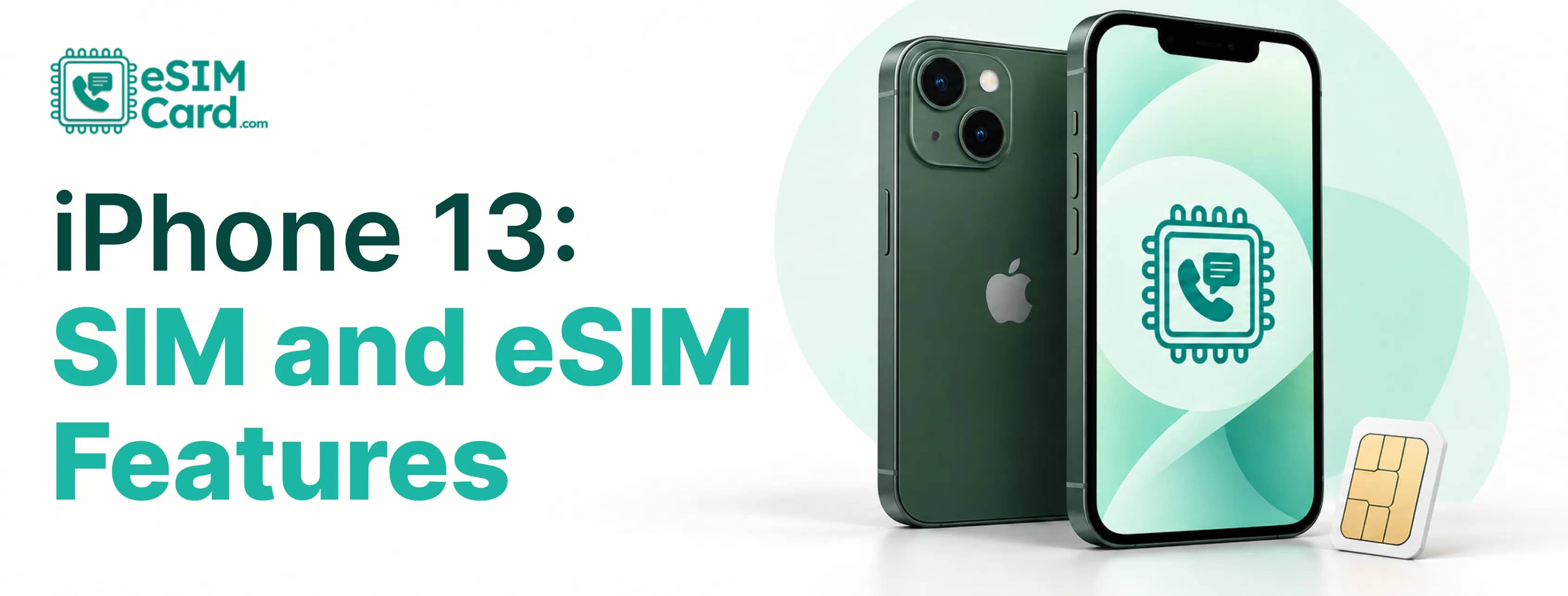
Two eSIMs can be active on an iPhone 13 at the same time. That is one of the biggest changes Apple introduced with this generation. Not every iPhone 13 sold worldwide has the same SIM hardware.
Most models support a physical nano-SIM and an eSIM. You can also use two eSIMs on compatible models, keep several eSIM profiles saved, and switch between them when needed. Only two cellular lines can be active at once, though, and just one line handles mobile data at a time.
Regional differences matter, too. Some iPhone 13 models sold in mainland China, Hong Kong and Macao use two physical SIM cards instead of the usual international configuration.
Whether you are checking a second-hand phone or preparing for an overseas trip, here is what you need to know before choosing an eSIM.
4.9

Highly Rated
Based on 500,000+ customer reviews

Trusted worldwide
Over 1 million travelers across the globe have trusted us

Travel Friendly
No swaps, global connectivity ensured
Does iPhone 13 Have eSIM?
Yes. Most iPhone 13, iPhone 13 mini, iPhone 13 Pro and iPhone 13 Pro Max models support eSIM. The main exception is certain regional hardware, so check your exact model before purchasing a plan.
An eSIM is a digital SIM built into your phone. Instead of inserting a plastic card, you install a cellular plan electronically through a QR code, carrier activation or another supported method.
Apple introduced support for two active eSIMs with the iPhone 13 generation. That means you can use two digital cellular lines without occupying the physical SIM tray, provided your model and carriers support the setup.
iPhone 13 SIM and eSIM Features at a Glance
Here is a quick look at what the iPhone 13 can do.
Which iPhone 13 Models Support eSIM?
The iPhone 13 family includes four models: the standard iPhone 13, iPhone 13 mini, iPhone 13 Pro and iPhone 13 Pro Max. Most international versions support eSIM, but regional variants need special attention.
Do not buy a refurbished iPhone based on its name alone. Two phones labelled iPhone 13 Pro can have different SIM capabilities because they were made for different markets.
Before purchasing, ask the seller where the phone was originally sold. Check its model number and eSIM eligibility against Apple's regional support information.
An EID in the device information can also help indicate eSIM capability, but confirm the complete model and carrier requirements.
Does iPhone 13 Have a Physical SIM Card?
Yes. Most iPhone 13 models have a tray for a physical nano-SIM. You can insert a compatible card from your mobile carrier and use it for calls, texts and mobile data.
On models with a SIM tray, Apple's hardware guidance places it on the left side of the phone. Use the SIM eject tool to open it rather than forcing the tray with a sharp object.
The physical SIM remains useful if your carrier does not offer eSIM or you prefer swapping cards between compatible devices. You do not have to choose between physical SIM and eSIM permanently. On supported models, both can be used together.
The United States iPhone 13 generation still has a physical SIM tray. Apple's move to eSIM-only iPhones in the United States began with the iPhone 14 generation, not the iPhone 13.
How Dual SIM Works on iPhone 13
Dual SIM means having two active cellular lines on one phone. Those lines can be configured in different ways, depending on the device's regional hardware and carrier support.
The iPhone 13 uses Dual SIM Dual Standby, often shortened to DSDS. Both lines can remain available, but that does not mean both behave like independent phones in every situation.
For example, you might keep your home number for calls and text messages while using a travel eSIM for data. Your home line can remain active, but mobile data uses the selected data line rather than combining both networks.
Call handling can also depend on the line in use, Wi-Fi Calling availability and carrier settings. Do not assume both lines can handle every call scenario simultaneously.
According to Apple's Dual SIM guide, the iPhone 13 supports two active eSIMs or a physical SIM and eSIM, with one cellular data network used at a time.
How Many eSIMs Can iPhone 13 Store?
Apple says supported iPhones can manage eight or more eSIM profiles. On the iPhone 13, however, only two cellular lines can be active at once.
Think of stored profiles like saved Wi-Fi networks. You can keep several available and choose which ones to use, but saving a profile does not make it active.
There is a difference that matters if you travel regularly. You might store eSIM plans for France, Japan and the United States, then activate the relevant lines when needed. Your exact setup still depends on the phone's regional compatibility and the providers' terms.
The old claim that the iPhone 13 has a fixed limit of 20 eSIM profiles should not be repeated as an Apple specification.
How to Add an eSIM to iPhone 13
You can install an eSIM using a QR code, carrier activation, eSIM Quick Transfer or another method supported by your provider. The available options depend on your carrier and iOS version.
Before you begin, check that your iPhone supports eSIM, connect to Wi-Fi and have the provider's installation details ready.
Add an eSIM using a QR code
- Open Settings on your iPhone.
- Tap Cellular or Mobile Data, depending on your region and iOS version.
- Select Add eSIM.
- Choose the QR code option if it is available.
- Scan the code supplied by your eSIM provider.
- Follow the on-screen instructions to install the plan.
- Label the new line, such as Travel or Work.
- Choose which line should handle cellular data and which should be your default voice line.
If you haven't received your activation details, our guide on how to get an eSIM QR code explains where to find it and how to install it correctly.
Some providers display a different setup flow or offer installation through their app. Follow their instructions if the QR-code option is not available.
For a detailed walkthrough, follow our guide on how to install an eSIM on iPhone, including activation methods and cellular settings.
Other ways to install an eSIM
eSIM Quick Transfer can move a supported cellular plan from a nearby iPhone. Both devices, the carrier and the transfer process must meet Apple's requirements.
Some carriers activate an eSIM automatically when you set up the phone. Others provide a QR code or manual details. Manual activation should only use information supplied by the carrier or provider.
Do not delete an existing eSIM just because installation appears stuck. You might need your provider to issue a replacement or reactivate the plan.
Can You Convert a Physical SIM to eSIM on iPhone 13?
Yes, some carriers let you convert an existing physical SIM into an eSIM. Availability depends on your carrier, plan and device configuration.
Open Settings and check Cellular or Mobile Data for a conversion option. If you cannot find one, contact your carrier and ask whether it supports physical-SIM-to-eSIM conversion on your iPhone.
You may also be able to transfer a plan during setup or use the carrier's app. Do not assume every physical SIM can be converted directly, especially when moving between different carriers or countries.
For more details, read our guide on how to convert a physical SIM to eSIM, including carrier requirements, supported devices and the conversion process.
How to Use iPhone 13 Dual SIM While Traveling
A travel eSIM can let you keep your home number while using a separate plan for data abroad. That is handy when you need banking texts or calls but do not want to rely entirely on your home carrier's roaming package.
Imagine you are flying to France. You keep your home line available and install a France-compatible travel eSIM before departure. Once you arrive, you select the travel line for mobile data.
Before leaving, check your home carrier's rates for incoming calls, outgoing calls, SMS and roaming. Keeping the home line enabled can still result in charges, depending on the plan and how the phone uses that line.
A travel eSIM also does not automatically include a phone number. Some plans provide mobile data only, while others include voice or messaging services. Check the package details before buying.
If your iOS version offers a dedicated travel-eSIM setup flow, follow its prompts and confirm the selected data line. Menu options can vary by software version and provider.
How to Check if Your iPhone 13 Is Unlocked
An iPhone that's locked to one carrier might reject an eSIM from another provider. This is especially relevant when buying a travel plan from a different network.
To check your iPhone:
- Open Settings.
- Tap General.
- Select About.
- Find Carrier Lock or Network Provider Lock.
- Look for No SIM restrictions.
If you see that message, the phone is reported as unlocked. If it shows a restriction, contact the carrier that locked the device and ask about its unlocking policy.
An unlocked phone still needs compatible hardware and a supported network. Carrier unlocking alone does not make a regional model eSIM-compatible.
Why Cannot I See Add eSIM on My iPhone 13?
If the Add eSIM option is missing, do not assume your phone is broken. The cause might be regional hardware, carrier restrictions or the software configuration.
You can also check whether the phone has an EID in its device information. Its presence can help with an eSIM eligibility check, but it does not replace verification of the exact model and carrier support.
If the phone is compatible and unlocked but activation still fails, contact your eSIM provider before removing the profile. They can check the activation status and advise whether a replacement is needed.
iPhone 13 SIM vs eSIM: Which Should You Use?
Neither option wins in every situation. Your choice depends on the carrier, where you are going and how you use your phone.
You can compare the actual price, data allowance, validity period and coverage before choosing. A travel eSIM can reduce dependence on your home carrier's data roaming, but it does not automatically eliminate roaming fees.
Conclusion
Planning a trip? Check your iPhone's regional model, carrier-lock status and eSIM compatibility before buying a data plan.
With a supported device, you can keep your home line available and use a travel eSIM for mobile data. Just check the plan's coverage, allowance, validity and activation instructions before departure.
You can check eSIMCard available options for your destination. Choose a plan that fits your trip, then follow its setup instructions before you leave home.
Before your next trip, explore eSIMCard's Global eSIM Plans and compare data allowances, coverage and validity to find a suitable travel package for your iPhone 13.
FAQs
Does the iPhone 13 have eSIM?
Yes, most iPhone 13 models support eSIM. Certain regional variants, including mainland-China models, have different SIM hardware.
Can iPhone 13 use two eSIMs at once?
Yes. Compatible iPhone 13 models support two active eSIMs at the same time.
Can I use a physical SIM and eSIM together?
Yes. Compatible models can use a physical nano-SIM and an eSIM as two active cellular lines.
Can iPhone 13 use three SIMs at once?
No. You can store several eSIM profiles, but no more than two cellular lines can be active simultaneously.
Can both SIMs use mobile data at the same time?
No. The iPhone 13 uses one cellular-data network at a time. You select which active line handles mobile data.
Does the Hong Kong iPhone 13 support eSIM?
It depends on the model. Certain iPhone 13, 13 Pro and 13 Pro Max variants use two physical nano-SIMs, while the Hong Kong and Macao iPhone 13 mini has a different eSIM-supported configuration.
Do I need an unlocked iPhone 13 for a travel eSIM?
You generally need an unlocked iPhone to use plans from two different carriers. Confirm your Carrier Lock status before purchasing a travel eSIM.
Can I keep my home number while using a travel eSIM?
Yes, on a compatible setup. Keep your home line available and select the travel eSIM for data, but check your home carrier's roaming charges.
How do I activate an eSIM on iPhone 13?
Open Settings, select Cellular or Mobile Data, tap Add eSIM and follow the provider's instructions. You may use a QR code, carrier activation or a supported transfer method.
Can I convert my physical SIM to eSIM?
There are some carriers support conversion on iPhone 13. Ask your carrier whether your plan and device qualify.