500,000+ Downloads
Reach out to the world’s most reliable eSIM services.

Partner With Us
Distribution Partner
Sell our eSIM solutions through your network
Affiliate Partner
Earn commissions by promoting our services
eSIM Reseller API
Integrate and resell eSIMs via our API
Support
What is an eSIM
Learn how eSIM works
Help Center
Guides and support for common issues
FAQs
Quick answers to common questions
Virtual Number
Get your own virtual phone number
Essentials
eSIM Compatible Phones
Check eSIM-supported phones
International Calling
Affordable global calling options
Download App
Get the eSIMCard app on your phone
Company
Blog
Travel and connectivity insights
About Us
Who we are and our mission
Contact Info
Get in touch with our support team
© 2026eSIM Card.All Rights Reserved
02 Feb 2026
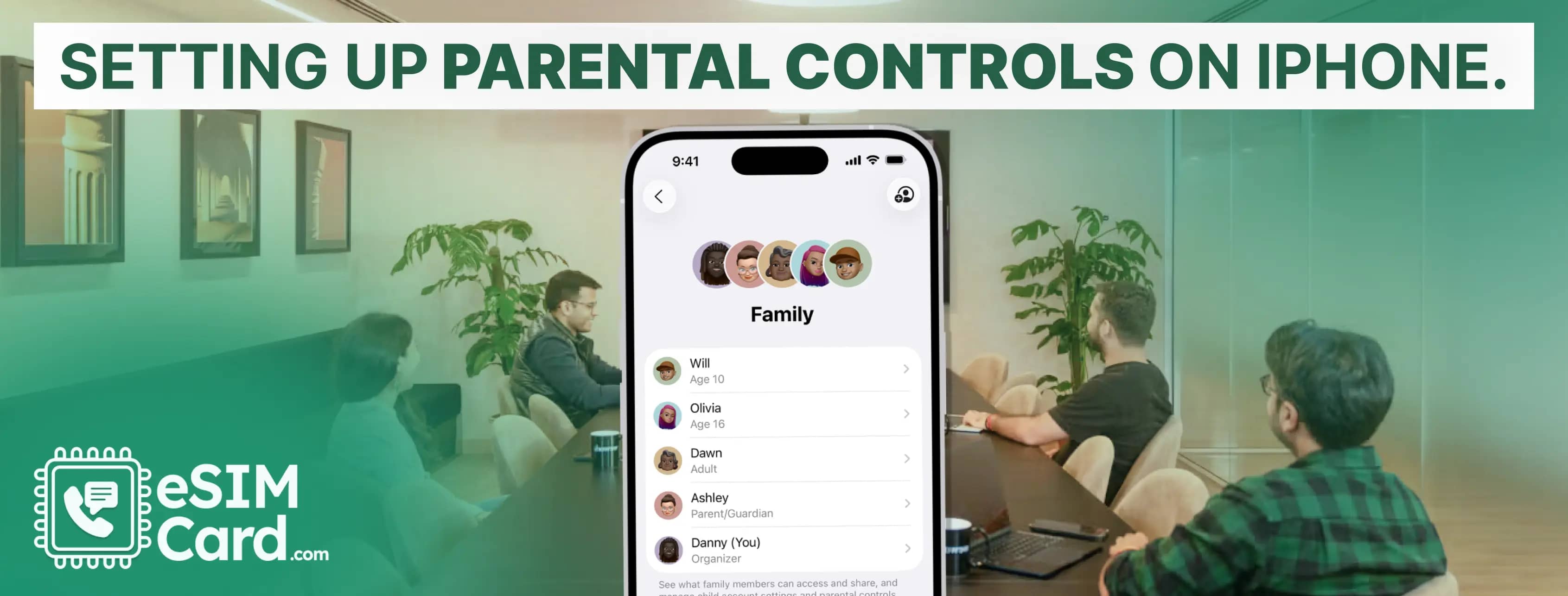
You can setup the parental control on iPhone, enabling screen time, setting the passcode, downtime to block apps and limiting communication.
Ava Brooks
23 Jan 2026
Open the phone app in iPhone, click the Voicemail tab and the Set Up button. Now, create the password to ensure security and set Greeting as Default or Custom.
20 Jan 2026
Open the message conversation, press and hold the microphone button and record your message. Click the arrow to deliver the voice message on iPhone.
12 Jan 2026
Open the messaging app, start a new conversation and add recipients. Type the message and click the arrow button to send the group text on iPhone.
07 Jan 2026
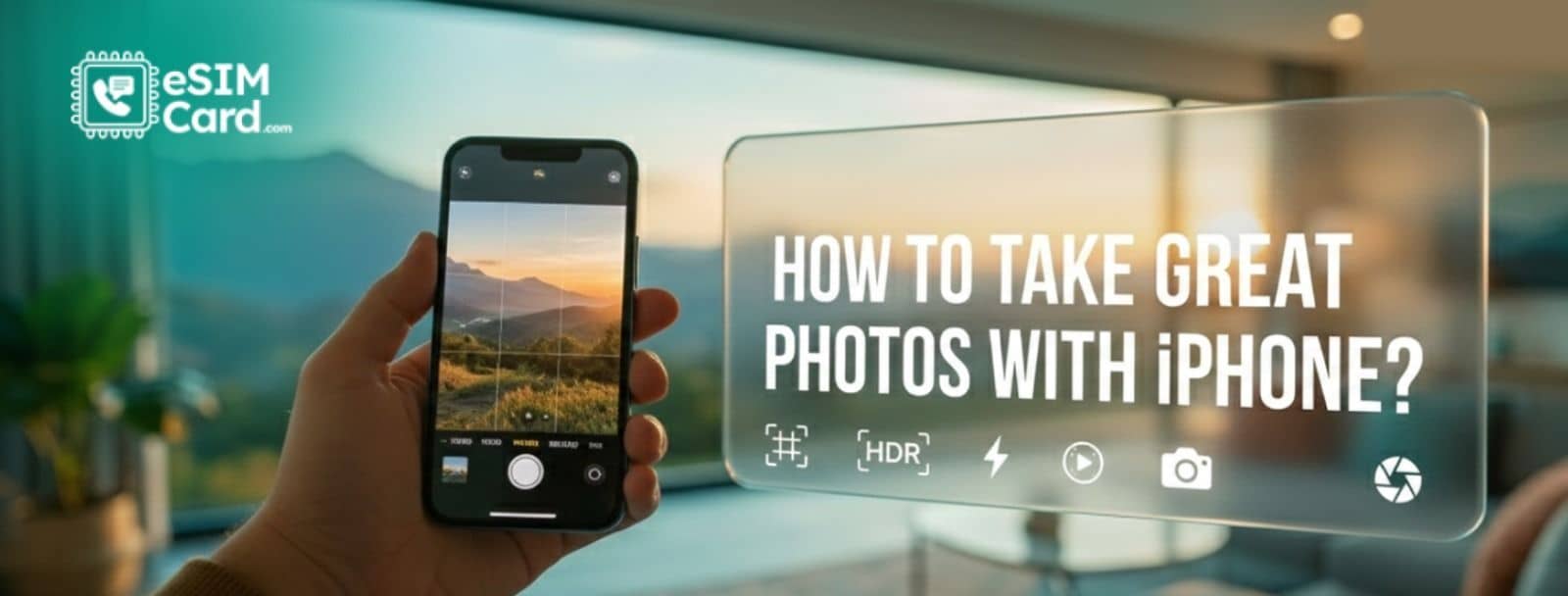
Learn how to take great photos with an iPhone using simple expert tips on focus, exposure, lenses, composition, and lighting for sharper, professional results.
26 Dec 2025
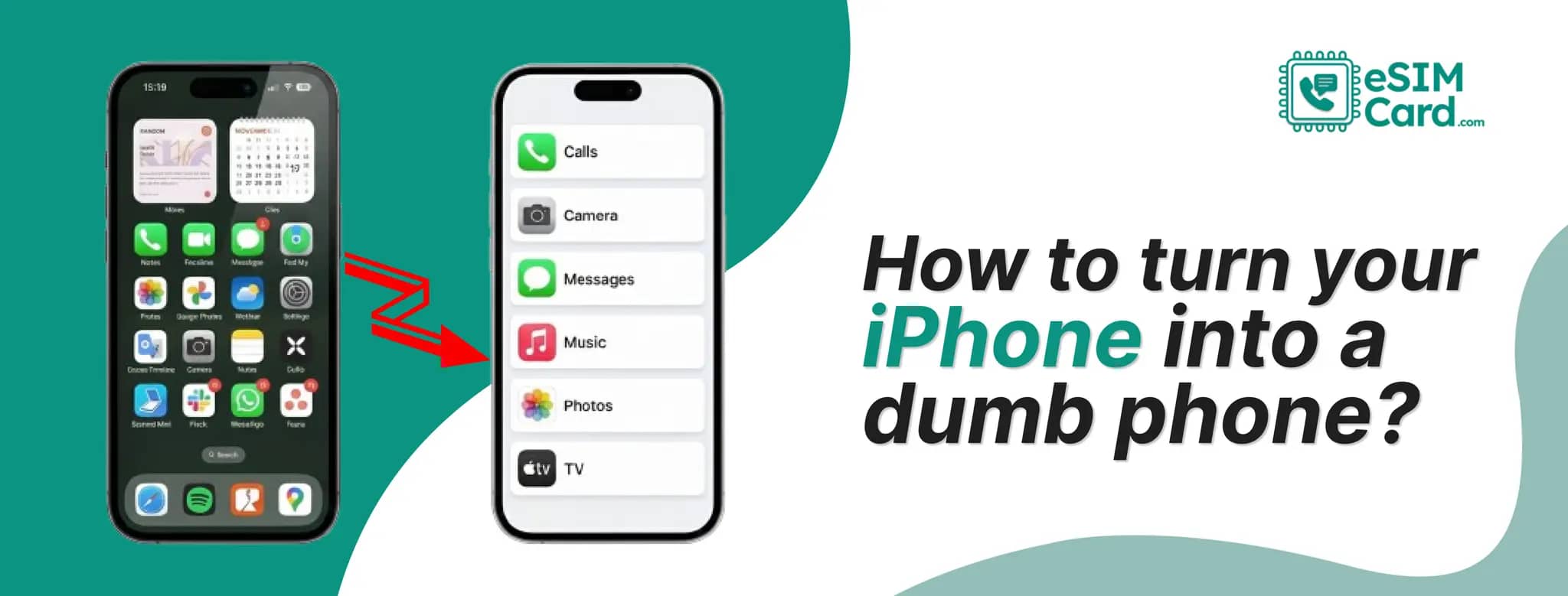
Turn your iPhone into a dumb phone without buying a new device. Cut distractions, keep calls, maps, and data, and regain focus easily.
18 Dec 2025
Disable app tracking on iPhone in seconds. Step-by-step privacy guide for travellers using eSIMCard data plans who want to stay private and in control.
05 Dec 2025
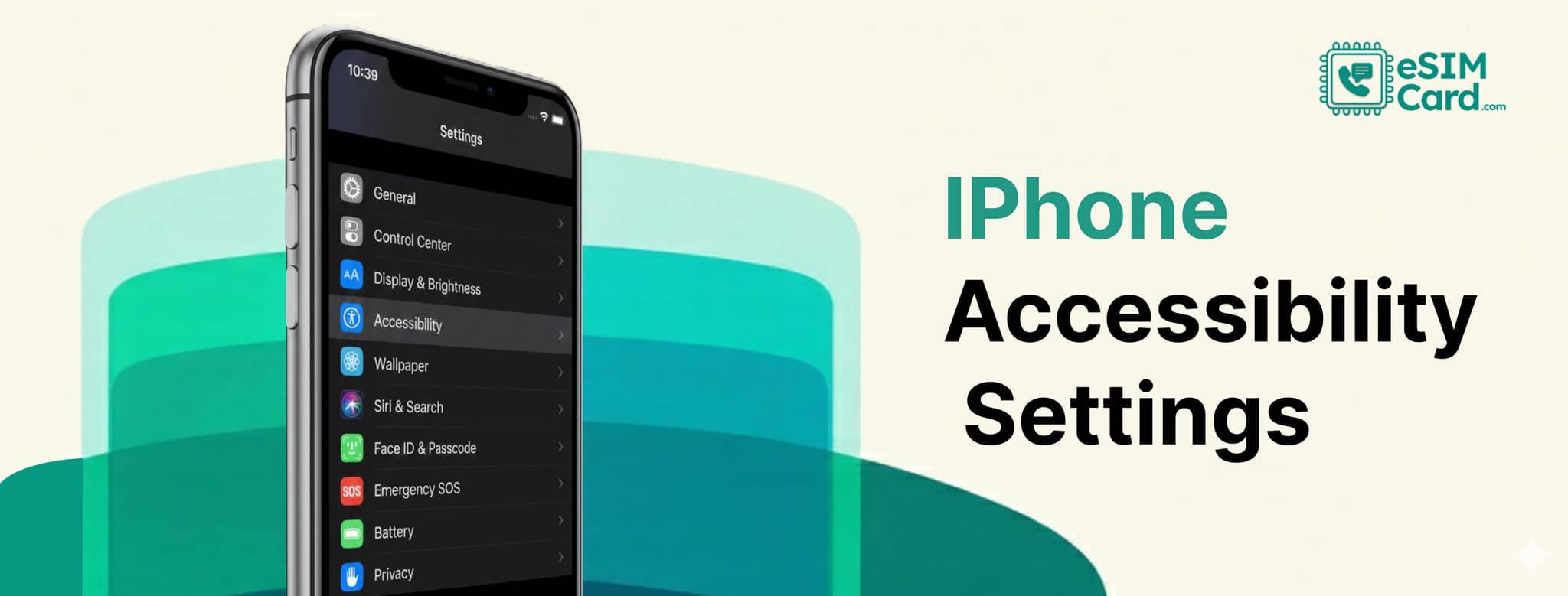
iPhone accessibility settings are the built-in guidance tool for people with vision loss, hearing challenges, physical limitations, and cognitive disability.
26 Sept 2025
You can install eSIM in iPhone 17 via QR code scanning. Open Settings > Cellular > Add eSIM > scan the QR code, eSIM will set up after a few minutes.
12 Jun 2025
Yes! iPhone 11/Pro models support eSIM. Learn how to activate dual-SIM, switch carriers, and avoid roaming fees - perfect for international travel.